Polacrity OS: An AI-Native Operating System
2 min read
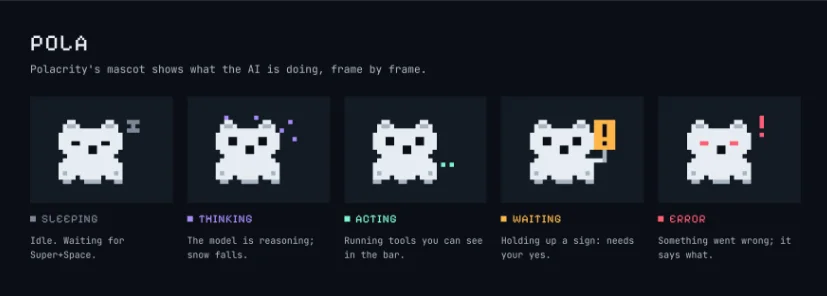
AI is optimising the web, yet it has rarely optimised our actual computers. Polacrity OS is my attempt to fix exactly this. It is a Debian-based operating system where you state what you want in plain language, and an AI agent carries it out across your whole machine.
Why I built it#
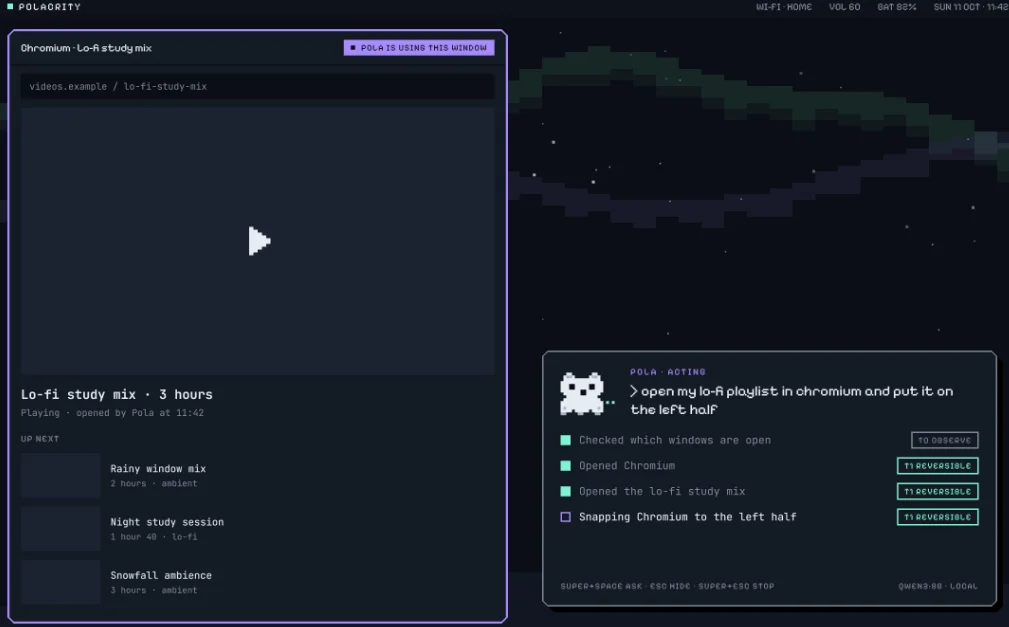
I estimate I can release the first version by myself in three months. The premise is simple: manual navigation of an OS is just too slow. We have tools like Claude Code that manage entire repositories, so I wanted to apply that same model to the computer itself. No more tedious file scrolling, and no more having to download and manage your computer manually. It is built around intent, not navigation. Saying "make a folder for my uni notes and move the PDFs from Downloads into it" is a single command, saving you a dozen clicks.
How it works#
The whole system sits on top of Debian stable, but all the Polacrity components are written in Rust for memory safety at the security boundary. You can connect whichever AI provider you like, including local models to keep everything free and offline.
The AI never gets a raw shell. Instead, an unprivileged daemon called polad talks to the AI, and all system capabilities, like files, windows, and settings, are exposed to it as structured, typed tools. Root-level work is completely isolated to a privileged broker (pola-broker), which only accepts specific operations backed by an approval token.
Challenges#
The hardest part of building this is definitely safety. When an AI controls your machine, you have to assume it will occasionally be wrong or get manipulated by prompt injection from a sketchy web page. Safety has to be enforced by the OS, not the model.
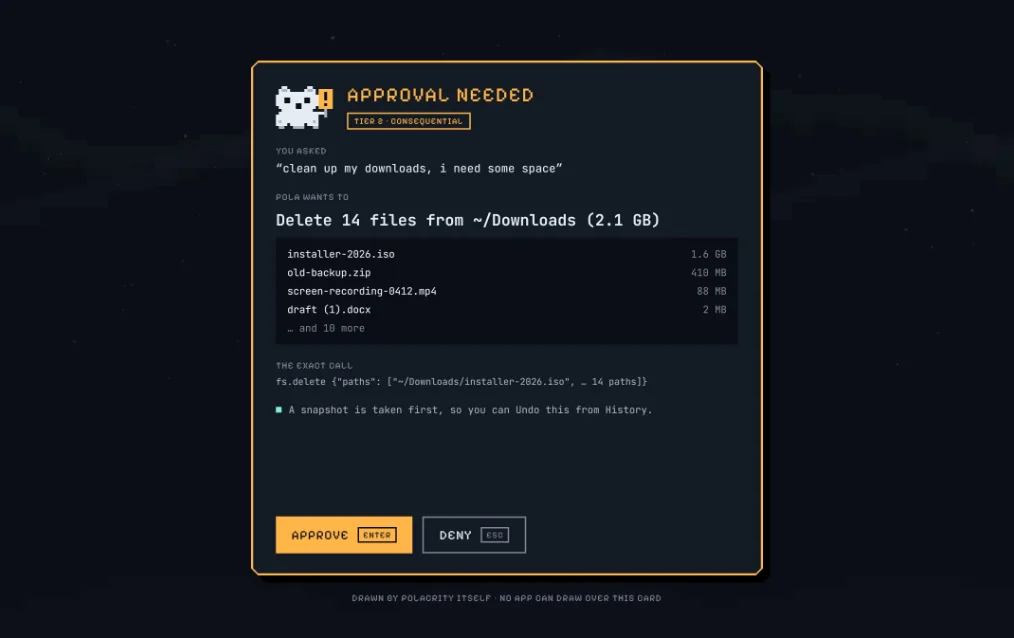
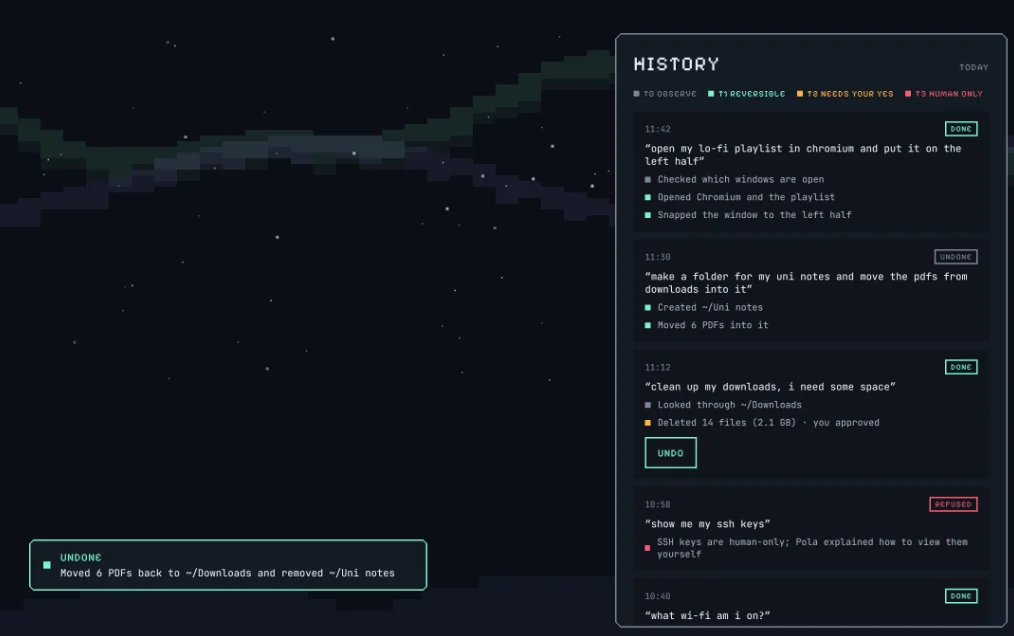
To handle this, I built a tiered policy engine. Safe actions (like reading files) or reversible ones (like moving files) run immediately. File changes trigger a btrfs snapshot first, so you can always hit Undo. Consequential actions, like deleting files, installing packages, or sending network messages, always show an amber-coloured prompt and require your explicit approval. High-risk actions (like viewing passwords or running sudo) are strictly human-only, and the AI is completely blocked from executing them.
Try it#
I am juggling this build alongside uni, tutoring, and becoming a father soon. I am aiming to have it bootable from an ISO in a VM and on my laptop shortly. Links to the live repository and the bootable image will go here once v1.0 drops.
Comments
Loading comments…